A Practical Workflow for Removing People From Busy Photos
Why Removing People Changes a Photo's Story
According to the product page,
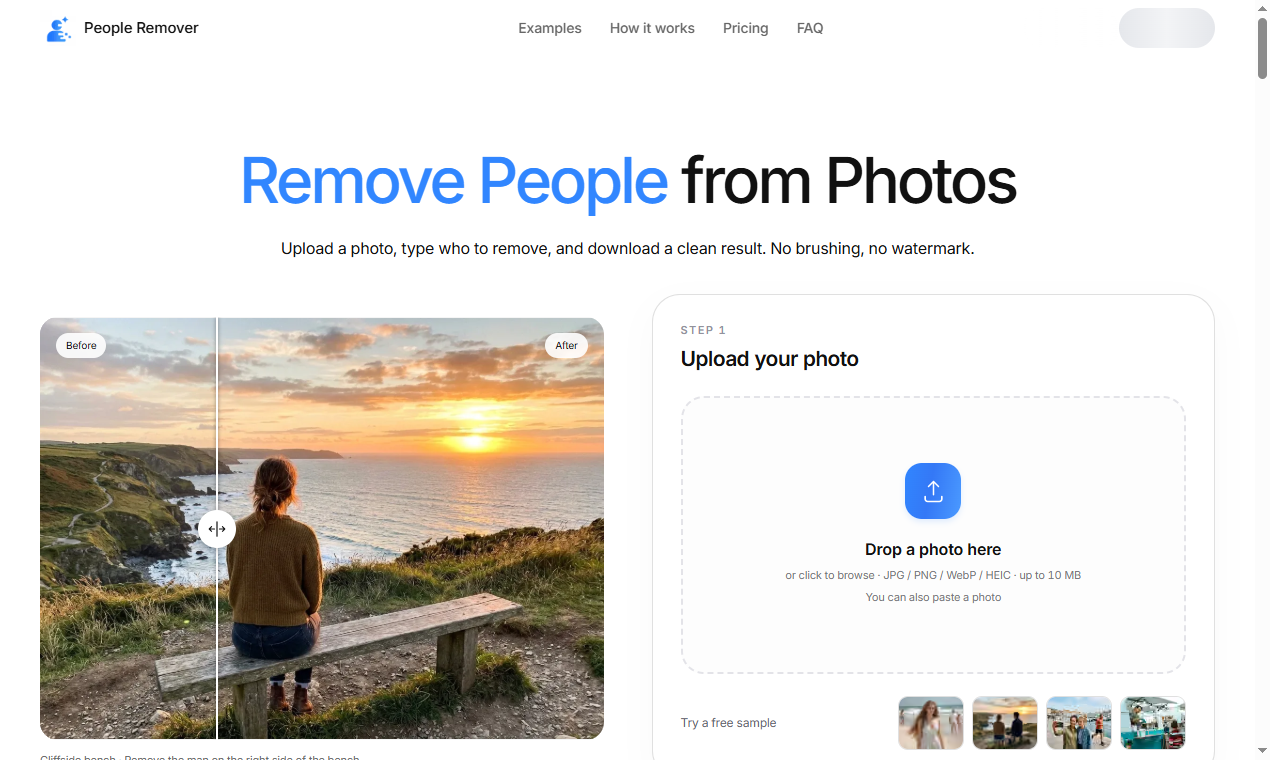
People Remover is designed for the moment a
great background is ruined by a stranger walking through it. Instead of discarding the shot, the tool keeps the scene and takes out the person who does not belong in it. That single capability turns an
"almost perfect" photo into a usable one.
Start With the Right Source Image
Clean results begin
before any editing. Choose a photo where the person you want gone is clearly separated from the background you want to keep.
Busy, low-light, or heavily blurred frames make the fill step harder. A sharp, well-lit source gives the model more context to reconstruct what was behind the subject.
A Simple Three-Step Routine
Most removals follow the same path.
Mark the area, let the tool fill the gap, then review the edges. According to the product page, People Remover handles the fill automatically, but a quick human check catches the moments where the background guess looks off.
When to Use It and When Not To
Removal tools are best for:
- Tourist crowds
- Stray passers-by
- Photobombers
- Unwanted objects on a clean surface
They are
weaker when the subject is entangled with the subject you want to keep, or when the missing area has no recoverable context — such as a person standing in front of a unique mural. In those cases,
a manual edit or a re-shoot is the honest choice.
A Pre-Export Checklist
Before you export, run through this short list so the final file holds up:
- Check edges where the fill meets the original background
- Look for texture mismatches or repeated patterns from the fill
- Zoom in to confirm no ghosting or artifacts remain
- Review the overall composition at full size before saving
Keeping the Result Natural
The goal is not a visibly
"edited" photo but a frame that looks like the moment always looked that way. According to the product page,
People Remover emphasizes preserving the original composition while only changing the marked region. Restraint matters more than aggressive cleanup:
remove what distracts, leave what gives the scene its character.
For creators who publish frequently, building a repeatable routine around a single reliable tool saves far more time than chasing a different app for every edge case.
A consistent workflow also makes it easier to spot when a result needs a second pass rather than a
forced export.
 wendyxyz733