When a Video Draft Looks Right But Isn't: A Prompt-to-Video Review Checklist
The Gap Between a Good Prompt and a Usable Clip
A writer hands a script to the team, someone turns it into a short video draft, and everyone nods because the pacing feels close enough. Then a reviewer catches a continuity break three seconds in, or notices the reference image wasn't actually followed, and the whole draft goes back for another pass. Tools such as
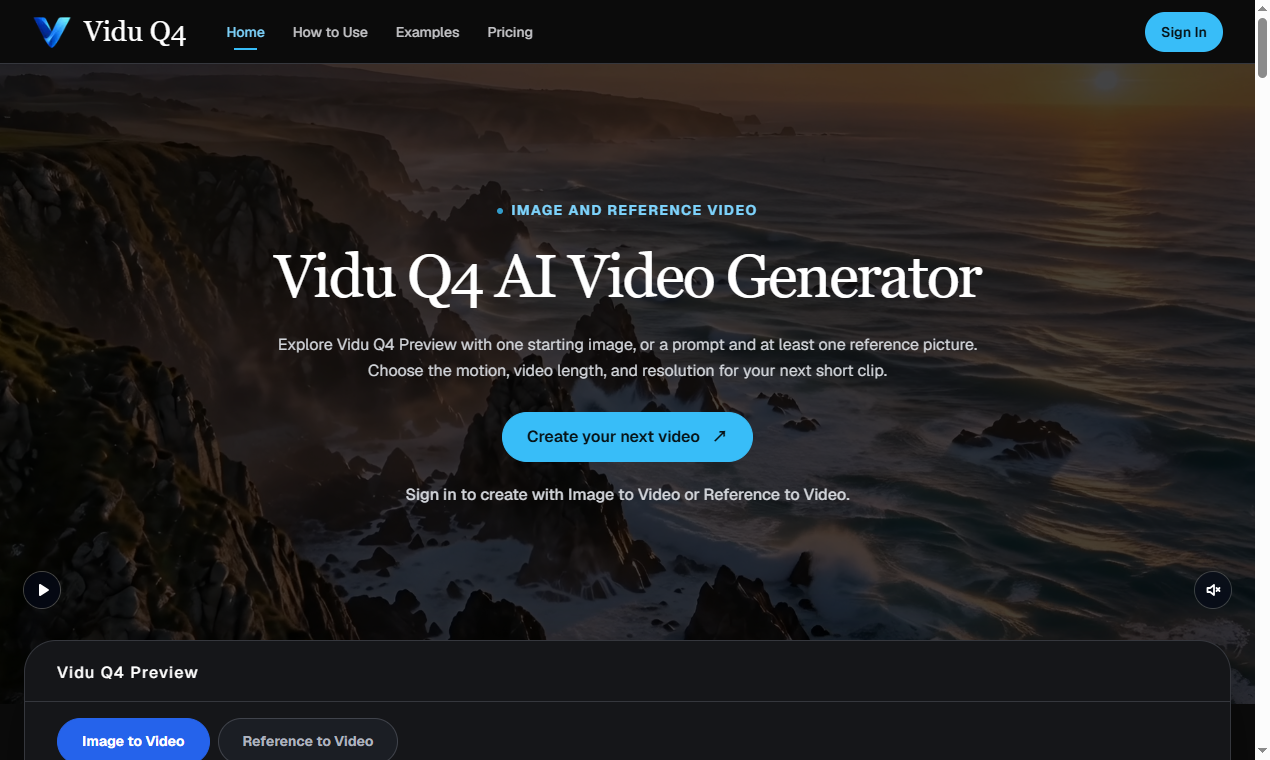
Vidu Q4 try to shorten the first part of that loop by turning a prompt, a preview image, or a reference clip directly into a short video direction, but
the harder problem — deciding whether the result is actually usable — still lives with the humans reviewing it.
Where Review Breaks Down in Fast Iteration Loops
When video generation becomes fast,
review becomes the bottleneck instead of production. A team might generate five or six short takes from slightly different prompts in the time it used to take to storyboard one shot. That speed is useful, but it also means reviewers are evaluating more material with less time per clip, often without a shared sense of what "good enough for the next stage" actually means.
Some reviewers focus on visual polish, others on whether the motion matches the script's intent, and a few just check if the duration fits the slot it needs to fill. Without agreement on criteria, teams end up approving drafts for different reasons, which causes rework later when someone senior finally watches the full set.
This is less a tooling problem than a process gap. Fast generation exposes it because the volume of drafts increases faster than the team's shared vocabulary for judging them.
A Concrete Case: Turning a Script Into a Directional Preview
Consider a small marketing team drafting a 15-second product teaser. They have a script, a reference product photo, and a rough sense of pacing but no video editor available that week. According to the product page,
Vidu Q4 supports preview-image and reference-video inputs alongside text prompts, and can produce short clips at
up to 4K and up to 16 seconds. For this team, the practical use is not a finished asset but a directional preview: something that shows whether the pacing, framing, and general motion idea hold up before anyone commits editing time or a videographer's schedule.
The team generates two or three variations from the same script, each nudging the prompt slightly — one emphasizing product close-ups, another leaning on environment shots. None of these are final.
What matters is whether the output gives the creative lead something concrete to react to instead of discussing the script in the abstract. That shift, from describing an idea to reacting to a draft, is where the real time savings shows up —
not in skipping review altogether.
Building a Lightweight Review Pass
The review step is where quality actually gets decided, and it works better with
a short, explicit checklist rather than an open-ended "does this look right" question. A few criteria that tend to hold up across different projects:
- Fidelity to the reference input. If a preview image or reference video was provided, does the output actually track it, or does it drift into something generic?
- Pacing against the script. Does the clip's rhythm match what the script implies, or does it feel compressed or padded to fit the duration?
- Motion coherence. Are transitions and movement internally consistent, or does something break partway through the clip?
- Fit for purpose, not polish. Since the output is a direction rather than a final asset, the question isn't whether it looks finished — it's whether it answers the creative question it was generated to answer.
- Duration and format fit. A clip generated at up to 16 seconds and up to 4K, per the product page, still needs to be checked against the actual slot and output format the project requires.
Running drafts through even three of these questions, consistently, cuts down on the back-and-forth that happens when reviewers are judging on gut feeling alone. It also makes it easier to explain to a client or stakeholder why one take was chosen over another, since the reasoning is written down rather than implied.
None of this replaces a human decision. A reviewer still has to watch the clip, compare it to the brief, and decide if it earns the next stage of work.
What changes is that the decision gets made against a short, repeatable set of questions instead of whatever mood the reviewer is in that afternoon.
For teams already experimenting with prompt-to-video workflows, it's worth testing this kind of review pass on a project that's
low-stakes enough to iterate on freely — a few quick drafts generated from a script, run through the same five questions, and compared side by side. The criteria will need adjusting for different kinds of projects, but
having any explicit checklist tends to beat having none.
 wendyxyz733