When a Voiceover Draft Has to Sound Human Before You Hit Generate
Why Script Prep Decides Whether AI Voice Sounds Real
A voice draft that sounds synthetic almost always traces back to the source text, not the engine. When the script is
dense, ambiguous, or full of abbreviations the model has never heard spoken aloud, the output arrives flat and the team burns cycles re-rendering.
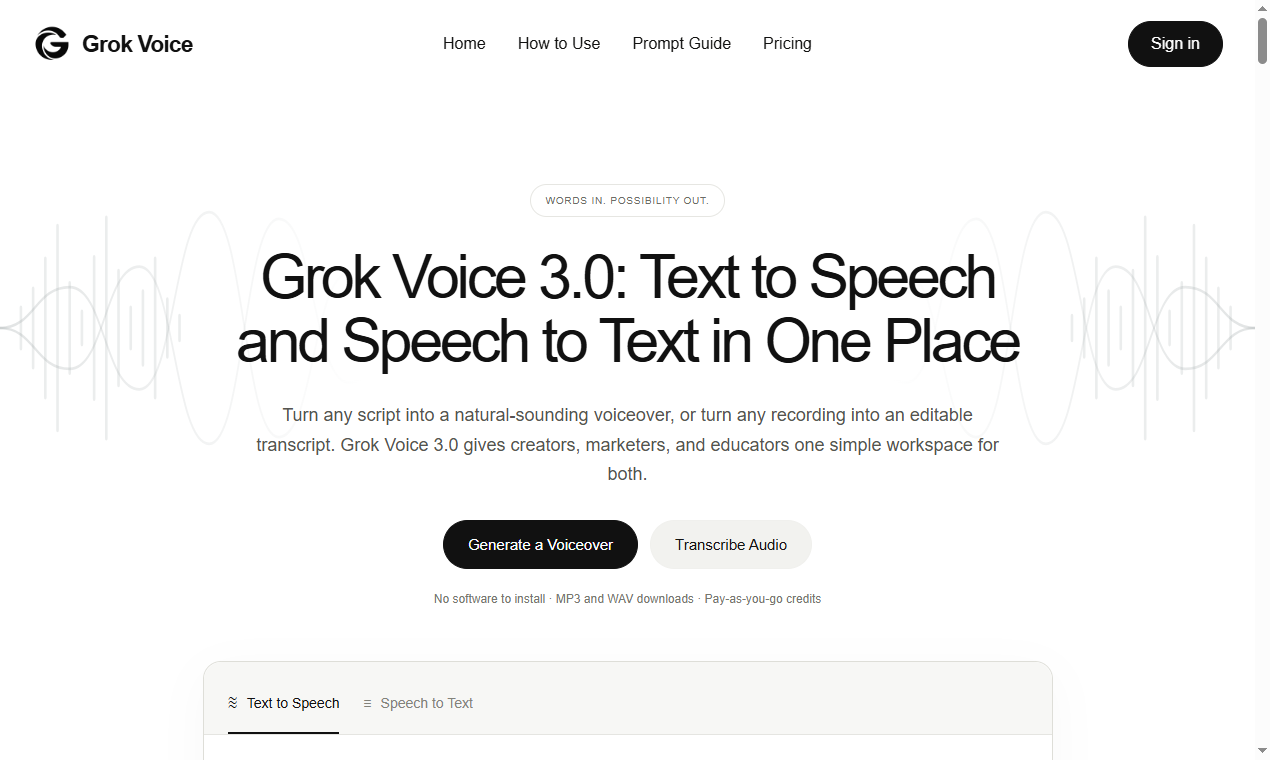
Grok Voice 3.0 is one of the newer browser-based voice tools that lets a team turn a written brief into a spoken clip, but according to the product page its quality still depends on
how the input is shaped before generate is pressed. The cheapest improvement is upstream, in how the script is prepared.
The Three Failure Modes
Before touching any voice tool, separate the problems into three buckets.
- Pronunciation risk: domain terms, brand names, and numbers read aloud wrong.
- Pacing risk: sentences too long for a single breath, or punctuation the engine ignores.
- Tone risk: a neutral script read in a tone the audience distrusts.
None of these are fixed by picking a different voice; they are fixed by
editing the script with the listener in mind.
A Pre-Generation Checklist
Use this checklist on every script before it reaches the renderer. A
five minute pass here removes most of the re-renders later:
- Spell out every abbreviation and acronym the engine might mispronounce.
- Write numbers in the form they should be spoken (e.g., "four point two percent" instead of "4.2%").
- Break sentences longer than two breath-lengths into two separate sentences.
- Replace ambiguous punctuation with punctuation the engine reads as a pause.
- Flag every proper noun and brand name for a pronunciation check.
- Write a one-line context note describing the intended tone and audience.
A Six-Step Workflow
- Step 1: Draft the script in plain prose, with no formatting tricks or clever punctuation.
- Step 2: Run the checklist above and fix risks inline, not after the fact.
- Step 3: Generate a short test clip from the first paragraph only.
- Step 4: Listen for misread names and awkward pauses, then log each one.
- Step 5: Apply the fixes to the master script, not just the throwaway test clip.
- Step 6: Render the full clip and review it against the context note you wrote.
Where the Tool Fits
According to the product page,
Grok Voice 3.0 positions itself as a fast way to move from a written brief to a spoken draft without leaving the browser.
Treat its output as a first draft, not a finished asset. The teams that get the most from it keep a human in the loop for names, compliance language, and the final tone check.
A reusable pattern is to render, review, and only then publish — which keeps the editing cost low and the quality predictable.
A Small Example
Suppose the brief is a 30-second product update. The raw script might read:
Q3 revenue up 12 percent and churn down to 4.2 percent thanks to the new onboarding flow.
Read aloud, the figure
"4.2 percent" is a pronunciation risk, and
"Q3" is a term some engines clip. Rewrite the number as
"four point two percent" or attach a phonetic note, and spell out the quarter as
"third quarter."
A one-line context note such as
"internal all-hands, confident but calm tone" then steers the read so it lands the way the room expects.
Wrapping Up
Good voice output is mostly good writing. The tool shortens the render step;
it does not shorten the thinking step. Build the checklist into your pipeline, keep the first-draft mindset, and review every proper noun before anything ships.
The result is
fewer re-renders, a steadier tone, and clips that sound like a person rather than a machine reading a list.
 LukaFabry