Bu yazıda
A single AI image that looks good is easy. Ten images that look like they belong to the same set is the actual work, and it is where most projects quietly fall apart. The thumbnails drift in palette, the product shots change lighting between versions, and by the fourth asset the page looks assembled from four different sources.
The reason is simple: each generation is independent unless you give it something to stay anchored to. The fix is to treat your first acceptable image as a contract and feed it back into every later one.
That framing is worth copying even if you change tools. Two sentences, written before every generation:Writing the KEEP line forces you to name the invariant. If you cannot name it, the batch has no contract and drift is guaranteed.
The reason is simple: each generation is independent unless you give it something to stay anchored to. The fix is to treat your first acceptable image as a contract and feed it back into every later one.
Why batches drift
Text prompts are under-specified. A prompt can describe subject, style and mood, but it rarely pins down the exact white balance, the lens feel, or how much grain sits on the surface. Those details are not chosen by the model so much as sampled, and sampling varies from run to run. When the goal is one image, that variation is welcome. When the goal is a set, it is noise.Reference images as the anchor
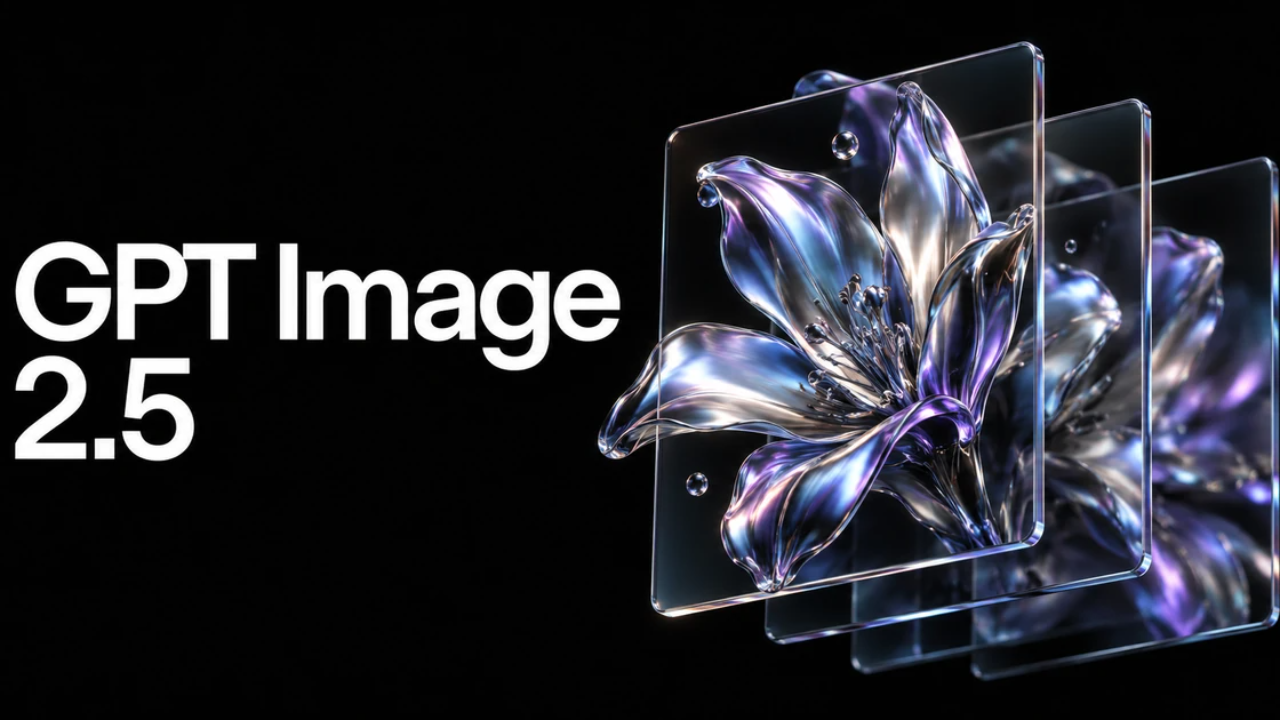
The practical answer is to stop describing the look in words and start showing it. According to the product page, GPT Image 2.5 accepts reference images alongside a text prompt: you can attach up to sixteen images to guide the people, products, style, or composition of the result, in PNG, JPG or WebP, up to 10 MB each. The prompt field explicitly asks you to describe what you want to change and what should stay the same, which is exactly the distinction a batch workflow needs.That framing is worth copying even if you change tools. Two sentences, written before every generation:
KEEP:
CHANGE: A batch workflow that holds
- Generate a reference image first and accept it only when the palette, lighting and surface finish are what you want. Do not accept it because the subject is right.
- Check the shape before generating. A square 1:1 master is easy to crop down and impossible to widen later, so pick the shape that matches the widest surface the set will appear on.
- Pick the finish deliberately. When a tool offers a speed setting and a richer-detail setting, use the fast one while you are still settling composition and switch to the richer one for the final set.
- Attach the accepted master as a reference for every subsequent image. Keep the reference set small and stable; adding a new reference every run reintroduces the drift you are trying to remove.
- Write the KEEP and CHANGE lines for each asset. One change per asset.
- Compare the new image against the master side by side, at final display size, before adding it to the set.
Acceptance checklist
- Palette matches the master at final size, not zoomed out.
- Lighting direction is unchanged.
- Surface detail density is unchanged.
- The shape still fits the intended placement.
- The one intended change is visible and nothing else moved.
Where the tooling helps
None of the steps above require a specific product, but they go much faster when the tool exposes the controls separately rather than hiding them behind a single prompt box. On the product page of GPT Image 2.5, the model choice, image quality and image shape are separate selections, the credit cost is shown before you generate, and transparent PNG export is offered, which matters when the set has to sit on backgrounds you do not control. Seeing the cost before each run is also what makes a multi-pass workflow affordable to run deliberately instead of by accident.Treat the first good image as a contract, attach it to everything that follows, and write down what must stay the same. That is most of what separates a set from a pile.
Bu yazı işine yaradı mı?
Teşekkürler!

Bu içerikte bir hata mı gördün?