When a Launch Deadline Meets a Single Product Photo
A week before a launch, someone on the marketing side usually asks for "a few more angles" of the hero shot. The product photography is done, the reshoot budget is gone, and the calendar has no room for a studio day. This is a common bottleneck in launch planning: the creative assets that exist were shot for one purpose, and the campaign now needs three or four contexts they were never built for. Tools like
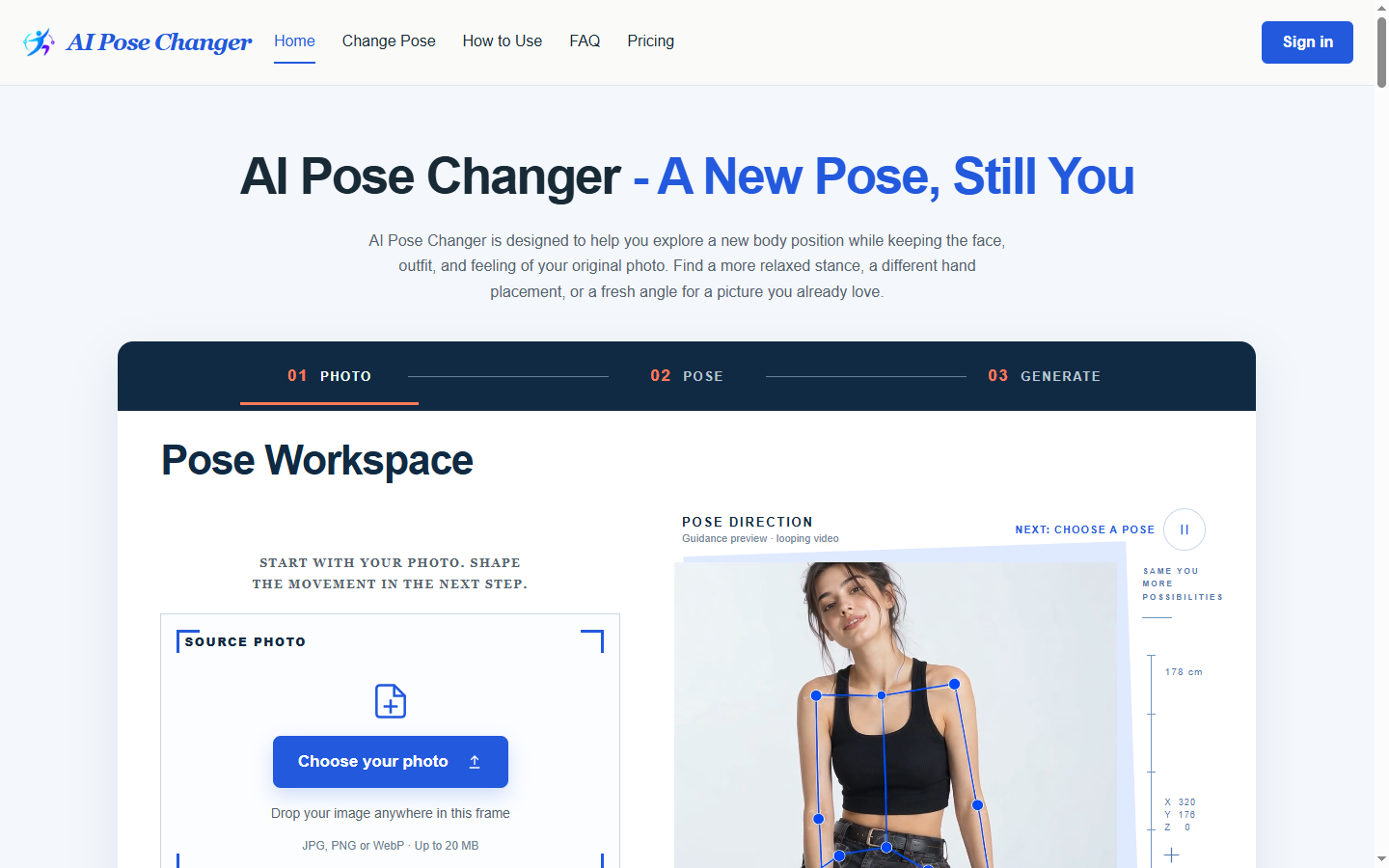
AI Pose Changer have started showing up in these gaps, not as a replacement for photography, but as a way to generate reviewable variations from an existing photo while a team decides which direction actually fits the launch.
The underlying problem isn't really about pose or image editing. It's a planning problem. Launch timelines are built around fixed dates, but creative direction is rarely fixed until people see options side by side. A single static photo forces the team to approve a direction blind, or to delay the timeline until a second shoot can happen. Neither option is good. The more useful pattern is to
treat visual direction as something you test cheaply before you commit resources to it, the same way a copy team might draft five headlines before picking one.
Building a workflow around variation, not perfection
A workable version of this looks less like a single tool step and more like a short loop: upload the base photo, describe the change you want to explore, generate a small set of variations, and route them to whoever owns the launch decision. According to the product page, AI Pose Changer supports this kind of loop by letting a user upload a photo, describe a new pose or attach a reference image, and generate an edited version while aiming to keep the subject's identity recognizable.
That last part matters more than it sounds. A launch asset that changes the pose but loses the likeness of the model or product isn't useful; it just creates a new problem for the review stage.
The practical use case is narrower than "generate any image." It's closer to: a marketing team has one approved product photo and needs to see how a slightly different body position or head angle would read in a banner, a carousel, or a landing page hero. Instead of scheduling a follow-up shoot for a two-degree head tilt, someone runs the variation, drops it into the layout, and checks whether it actually improves the composition. The product page describes a feature set aimed at this kind of adjustment, including options to:
- Explore body position
- Add a clearer directional cue to a photo
- Introduce a gentle head tilt
Whether a given variation is worth using still comes down to human judgment;
the generation step just removes the delay between having an idea and seeing it.
What the review step actually needs to catch
This is where launch planning tends to go wrong even when the workflow is fast.
Speed creates a temptation to skip review, and skipped review is how off-brand or slightly uncanny images end up in a live campaign. A reasonable review checklist for this kind of output looks at three things:
- Does the subject still look like the same person or product?
- Does the new pose fit the layout it's meant for?
- Does the lighting or framing match the rest of the campaign's visual set?
None of these are things an automated tool can fully judge on its own, which is why
the review step belongs to a person, not the generation step.
It also helps to decide in advance who signs off on a variation before it's used publicly. Launch timelines compress this kind of governance under pressure, and a quick generation loop can make it tempting to treat any output that "looks fine" as approved. Building a short, repeatable review pass into the plan — even a five-minute one — keeps the speed advantage without trading away consistency.
Where this fits before the next launch
None of this replaces a full photography plan for a major campaign. It's better suited to the smaller, constant stream of asset requests that show up in the weeks before launch:
- An extra angle for an ad variant
- A slightly different pose for a secondary landing page
- A quick option to compare against the original shot
Teams that build a short review step into that loop tend to catch problems before they reach a live page, and teams that skip it tend to find out from a customer instead.
If your next launch plan has a gap between
"one approved photo" and
"five contexts we need to show it in," it may be worth testing
AI Pose Changer against a real asset from your current queue, sitting the output next to the original, and seeing whether the extra option earns its place in the campaign.
 thomaszx85531